Welcome to the College and Career Center
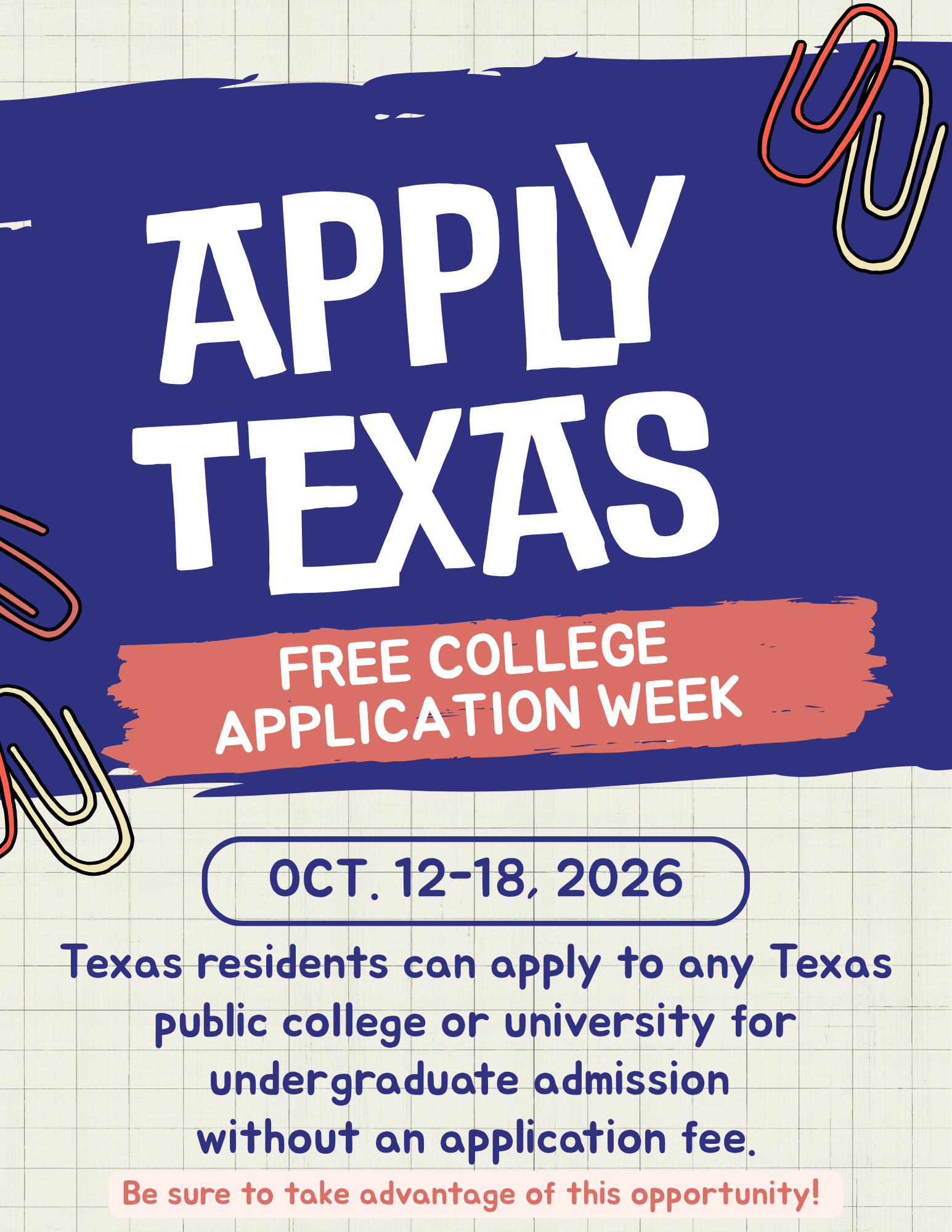
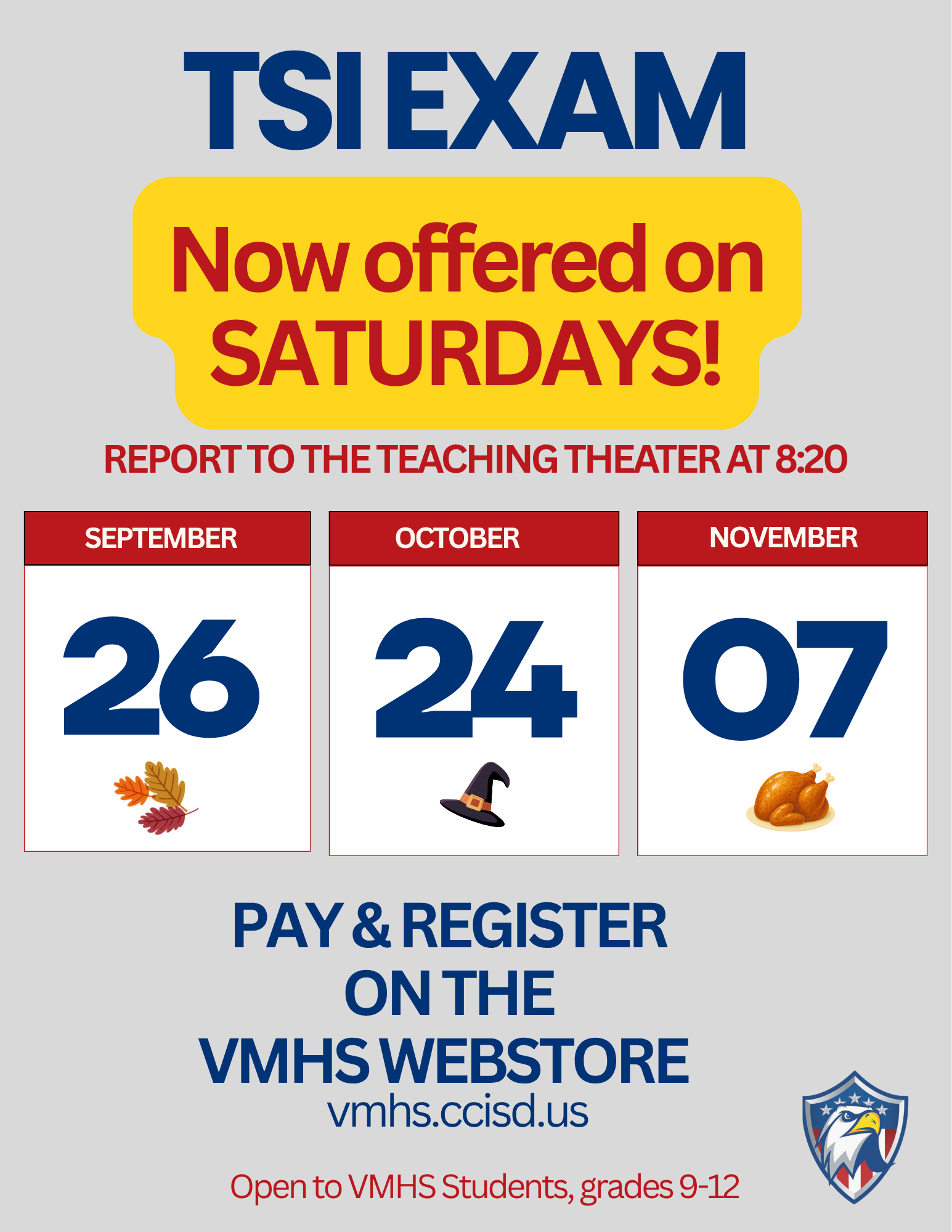
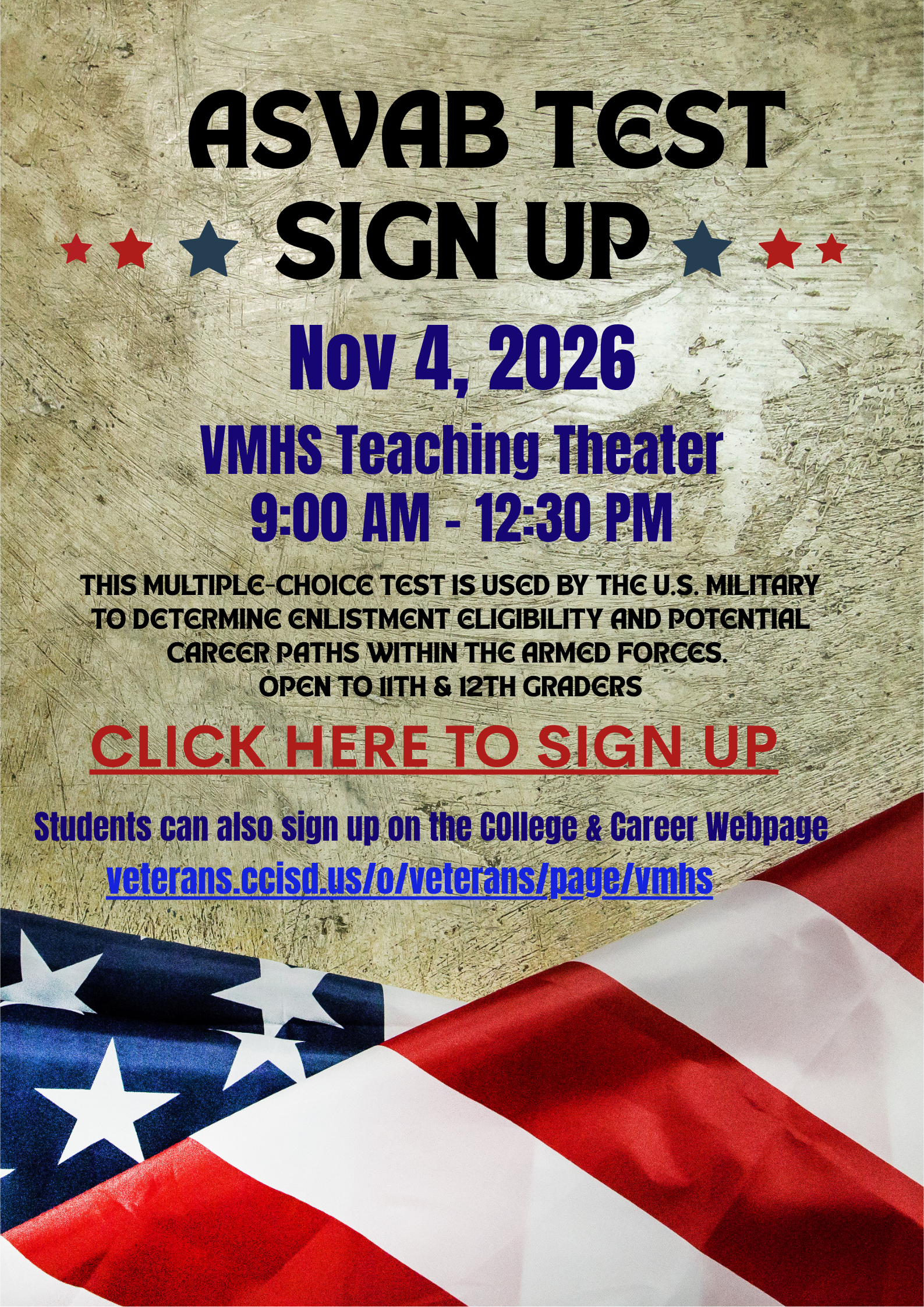
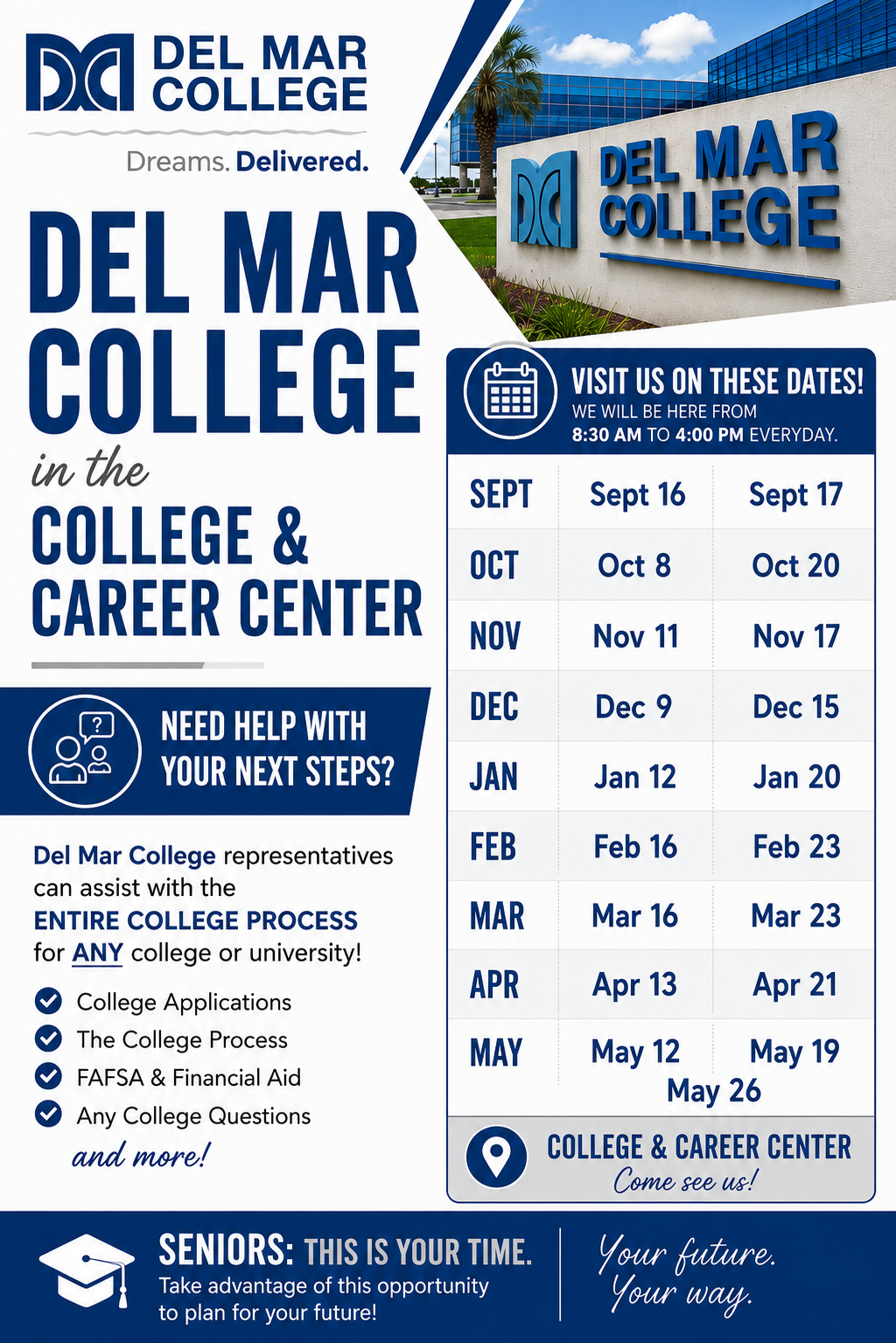
The Veterans Memorial High School College and Career Center supports students as they take the next steps toward their post-secondary goals. Through guidance, resources, and individualized support, the CCC helps every student find the right path beyond high school. Preparing for what comes next starts now.
Interested in attending UTSA?
Veterans Memorial will be hosting a visit with a UTSA Admissions Counselor on Oct 26th for seniors who are seriously considering becoming a UTSA Roadrunner! Click Here to Sign Up